Why Does My Logo Look Pixelated? (And How to Fix It)
Your logo looks pixelated because it was saved as a PNG or JPG — raster files with a fixed number of pixels.
Quick Answer
Your logo looks pixelated because it was saved as a PNG or JPG — raster files with a fixed number of pixels. When these files are scaled up beyond their original size, the pixels stretch and the image blurs. The fix is to get your logo as an SVG file, which is vector-based and scales to any size without losing quality.
Why Raster Logos Pixelate
PNG and JPG files are made up of a fixed grid of pixels. At the size they were saved, they look fine. But when you try to use that logo on a banner, a website header on a retina screen, or send it to a printer — you're asking it to display at a larger size than it was designed for. The file can't create new pixels, so it stretches the existing ones. That stretch is what produces the blurry, blocky appearance.
The higher the original resolution, the longer before pixelation becomes obvious — but the ceiling is always there.
The Real Fix: SVG Format
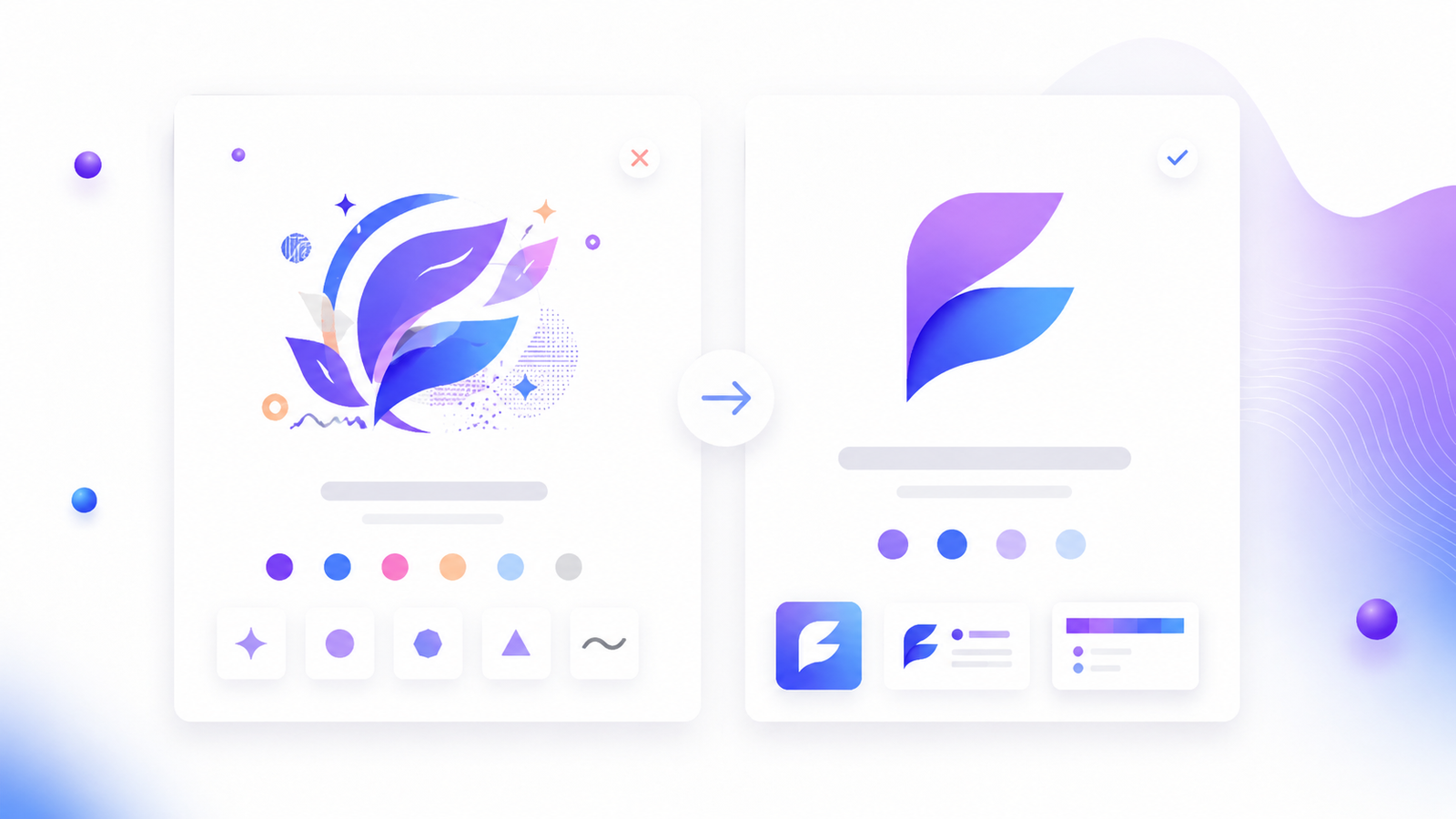
SVG (Scalable Vector Graphics) is mathematically defined. Instead of storing a grid of pixels, it stores instructions: "draw a curve here, fill this shape with this colour, place this text at this size." When the file is displayed at any size, it re-draws from those instructions. The result is always sharp.
According to MDN Web Docs, SVG is an XML-based vector image format that is fully supported in all modern browsers and renders at full quality regardless of display resolution.
An SVG logo looks identical at 16 pixels (browser favicon) and at 3 metres wide (exhibition banner). There is no ceiling.
How to tell which format you have:
- Right-click your logo file → check the file extension
.pngor.jpg= raster, will pixelate at scale.svg,.eps,.ai, or.pdf(from vector source) = vector, scales cleanly
What to Do If You Only Have a PNG
Option 1: Get the original source file If a designer created your logo, ask them for the .ai, .eps, or .svg source file. This is always the correct first step.
Option 2: Recreate the logo as a vector If no vector source exists, you have two realistic options:
- Hire a designer to retrace the logo in Illustrator or Figma (30 minutes to 2 hours of work)
- Use an AI logo maker that generates SVG by default — describe your brand, generate a new logo, download the SVG
Option 3: Vectorise with an automated tool Tools like Vectorizer.ai or Inkscape's auto-trace feature can convert a clean, simple PNG to SVG with reasonable results. Works best for simple marks with flat colours; fails on complex illustrations or gradients.
Why This Keeps Happening
Most free and entry-level logo tools only export PNG by default. SVG is often gated behind a paid plan. Founders download what's available, use it everywhere, and discover the limitation when a printer or developer asks for a vector file.
The solution is to treat SVG as the minimum standard from day one — not an upgrade.
FAQ
Why does my logo look blurry on my website but not in my files?
Retina and HiDPI screens display at 2× or 3× the standard pixel density. A PNG that looks fine at 1× will appear blurry on a retina display because the screen needs twice as many pixels as your file contains. SVG files have no pixel ceiling, so they always render sharply.
My logo looks fine on screen — why does it pixelate when I print it?
Print requires 300 DPI (dots per inch). Most web PNGs are saved at 72–96 DPI. A file saved for screen use at 72 DPI will print at roughly one-quarter of the visible quality. Always use SVG or high-resolution EPS for print.

Can I fix a pixelated logo without a designer?
For simple logos, yes — auto-trace tools like Vectorizer.ai or Inkscape can convert a clean PNG to a workable SVG. For complex logos, the results are often imperfect and a designer is more reliable.
What is the difference between SVG and PNG for logos?
PNG is pixel-based (fixed resolution, pixelates at scale). SVG is vector-based (mathematically defined, scales infinitely without quality loss). SVG is the professional standard for logos.
How do I know if my logo is high enough resolution?
Open the file in an image editor and check the pixel dimensions. For web use, your logo should be at least 400px wide. For print, you need a vector file — no pixel count is ever "high enough" for truly scalable print use.
Start With SVG
Lumance generates logos from a text description and exports SVG by default — no upgrade required. If your logo is pixelating, it may be faster to generate a new one than to fix an old PNG.